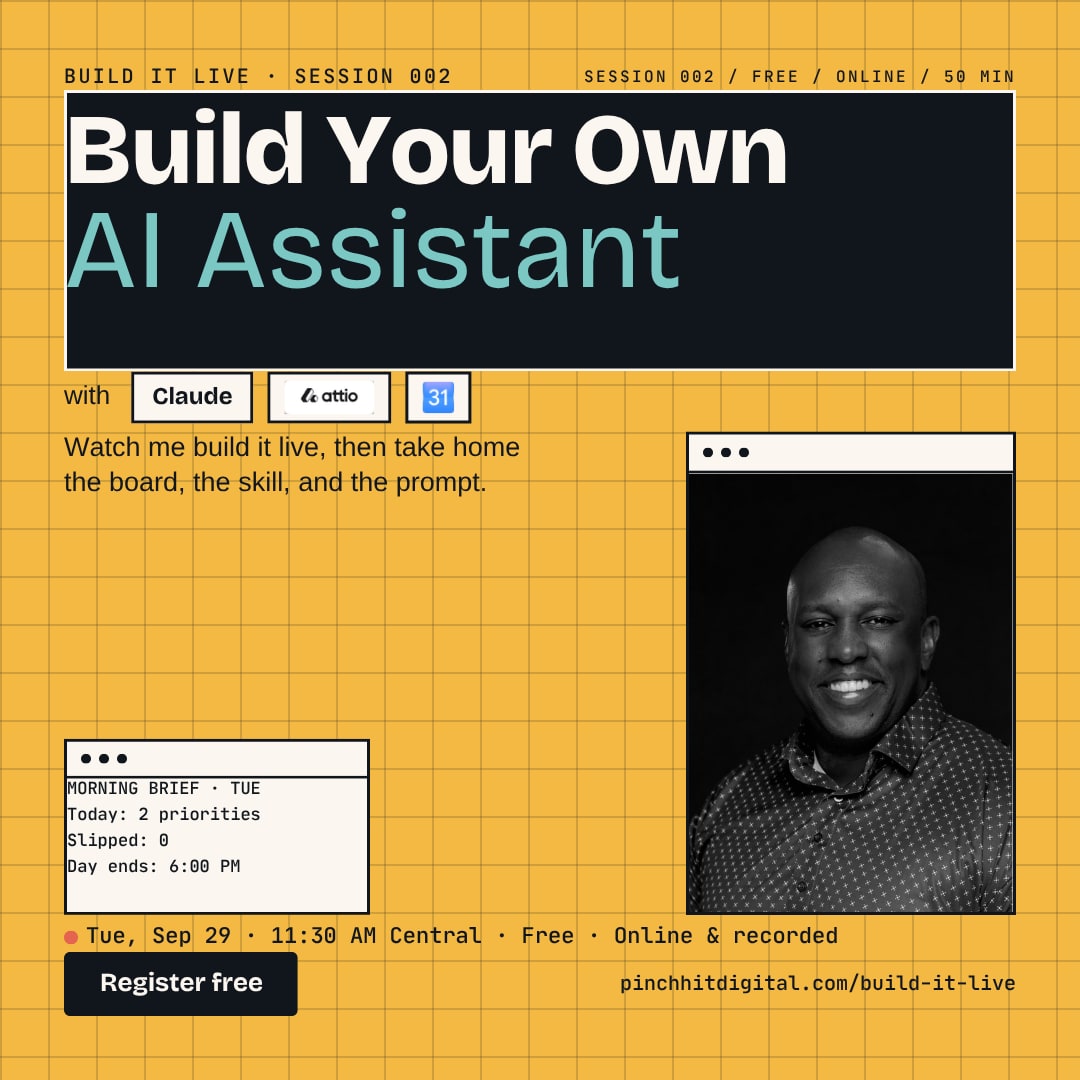
Build Your Own AI Assistant with Claude, Attio, and Google Calendar
I run my business with an AI assistant I built myself. It doesn't do more for me. It keeps my week honest: two priorities a day, nothing that slips disappears, and dinner is off limits. In 50 minutes I'll build it in front of you, then hand you the pieces to set up your own.
Tuesday, September 29 · 11:30 AM Central · 50 minutes · online & recorded
01What you leave with
What you leave with
01
A month you can actually see.
The storyboard method I use: goals first, then a day-by-day board, refreshed every two weeks in one Sunday sitting.
02
A morning brief that tells the truth.
What my assistant sends me each morning: today's blocks, what's due, the countdown on live commitments, and one flag when something on my calendar maps to no goal.
03
The one rule that makes it a plan instead of a wish.
When something slips, it moves to a real new time slot. Nothing quietly falls off.
02How I got here
How I got here
The first version of this system wore me down. I let my assistant fill my calendar with six or seven tasks a day. I'd finish four, and the other three followed me into my evenings and weekends. I never felt like I could rest.
In August I called a hard reset. Two focus priorities a day. Whole blocks of one to two hours for one thing. Deep work in the afternoon when my head is clearest. Day ends at six. Dinner with my wife is untouchable. That wasn't a productivity style. It was a correction.
In September I realized the real problem wasn't volume. I was task-oriented instead of goal-oriented. So I flipped who does what. I write the month myself. My assistant keeps reality synced to what I wrote. Since then, whole projects finish. That's what I'm going to show you.
03The 50 minutes
What happens in the 50 minutes
- 5 min
The cost of a calendar that lies to you.
- 30 min
Live build. I connect Claude to my calendar and my CRM, open my monthly board, and run today's morning brief and debrief in front of you. You see the prompts, the rules, and what happens when something slips.
- 5 min
What this looks like in your business, whichever CRM or calendar you already use.
- 5 min
Your questions.
At the end, everyone who attends live gets the kit: my Miro monthly planning board template, the assistant skill, and the prompt I use to run it.
04The kit
The kit
01
The monthly planning board.
The Miro template I fill out every two weeks: goals on top, a day-by-day board underneath.
02
The assistant skill.
The instructions that turn Claude into the assistant you'll watch me run: what it checks each morning, what it asks each evening, and the one rule about slipped work.
03
The prompt.
The exact text I use to start each day, so you can copy it and change the names.
Free for everyone who attends live. Replay viewers get the recording; the kit goes to the people in the room.
05Who this is for
This is for you if
- You own or run a small business and your calendar is full but your goals are not moving.
- You've tried an AI tool for planning and it gave you more to do, not less.
- You want a system you can run yourself, not one you have to buy from me.
This is not for you if
- You want an AI to make decisions for you. The whole point is that you write the plan.
06Questions
Quick answers
Will there be a replay?
Yes. Everyone who registers gets it. The kit goes to live attendees only.
Do I need Attio, Claude, and Google Calendar?
No. I build with those three because they are what I use. The method works with any CRM and any calendar, and the planning board works on paper.
Is this a sales pitch?
No. The kit at the end is free. The 50 minutes are the real build.
07Session 001 replay
Session 001: the missed-call text-back build
In August I built a missed-call text-back system live, including the carrier approval most people skip. Watch it here.
08Spread the word
Know someone who should see this?
Build It Live is free every month. If you know a business owner whose calendar is full but whose goals are not moving, send this along and they can grab a seat in about 30 seconds.